No Sign-Up Photo Sharing: The Simplest Way to Share Memories

Last Updated: September 24, 2026
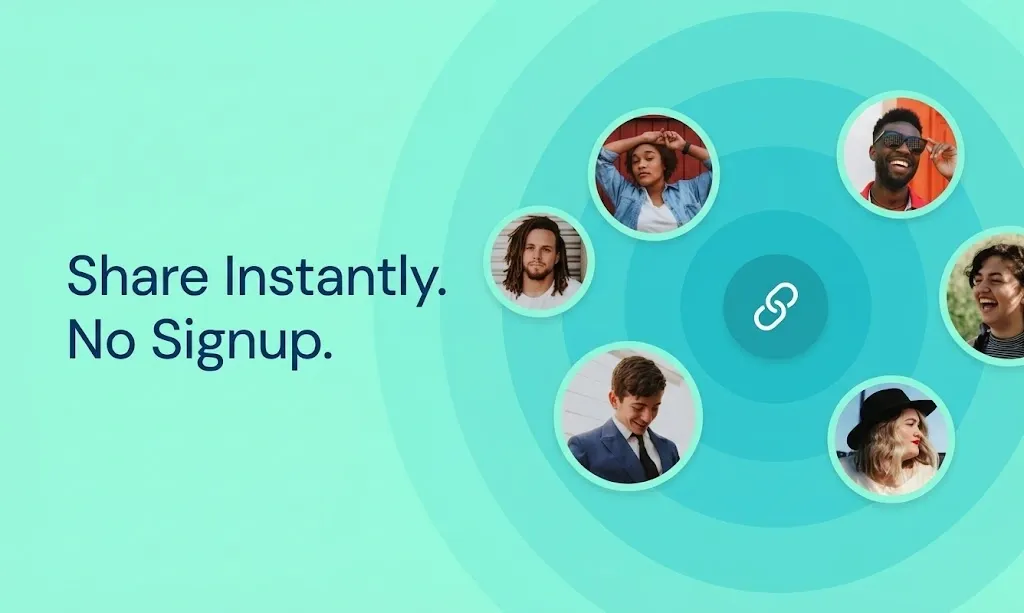
Table of Contents
- What “No Sign-Up Photo Sharing” Actually Means
- The Two Real Use Cases
- Why the Sign-Up Barrier Matters More Than You Think
- What Actually Works: A Direct Answer
- Is There a Way to Share Photos Online Without Downloading Any App?
- What Happens to Photo Quality With No-Sign-Up Sharing?
- The Fastest Way to Set This Up
The sign-up wall is one of the most reliable ways to lose your group’s photos forever.
You plan a weekend trip, a birthday party, a company off-site. Everyone takes photos. You set up a shared album and send the link. Then the replies start:
“It’s asking me to create an account.”
“I don’t have Google Photos.”
“It says I need to download the app.”
Three days later, half the photos are still on people’s phones. A month later, some of them are gone. This is not a storage problem or a technology problem. It is a sign-up problem.
What “No Sign-Up Photo Sharing” Actually Means
The phrase covers two different things that are worth separating.
No sign-up to view means anyone with your link can open the album and see the photos without creating an account, logging in, or downloading anything. This is the minimum bar for frictionless sharing, and it is more common than you might expect.
No sign-up to upload means contributors can also add their own photos without any account. This is rarer, and it comes with trade-offs: when there is no account attached to an upload, there is no accountability for who posts what, no way to manage contributors, and no reliable way to notify you that new photos have arrived.
Most tools that claim “no sign-up” give you the first but not the second, or they give you neither and just have very lightweight sign-up. The honest framing matters when you are deciding what to use.
The Two Real Use Cases
Before picking a tool, be clear about what you are actually trying to do.
Use case one: you want to send photos to someone. You have 40 photos from the weekend. You want your friend to see them. You do not need them to add anything, and you do not care about organization. For this, a simple image-hosting link or a cloud storage share works fine. Imgur, WeTransfer, and Google Drive shared folders all handle this well, and none of them require the recipient to sign up just to view or download.
Use case two: you want to collect photos from a group. You were at an event with 20 people. Everyone took photos. You want all of them in one place, organized, downloadable. This is a fundamentally different problem, and most “no sign-up” tools are not built for it. Dumping photos into a chat thread is not the same as having a shared album. Links to 20 separate uploads are not the same as a single organized collection.
Most people searching for “photo sharing without sign-up” actually have use case two in mind. They are not just trying to send photos; they are trying to collect them from a group without chasing each person individually.
Why the Sign-Up Barrier Matters More Than You Think
Here is a number worth keeping in mind: when a shared album requires every contributor to create an account before uploading, contribution rates drop significantly.
Think about it from your guest’s perspective. You just got home from a three-day trip. You have 200 photos on your phone. Your friend sends a link to a shared album. You click it. It redirects to the App Store. You close it. The photos never make it in.
This happens not because people do not care, but because the moment of motivation is immediate and the friction is just enough to delay the action until the motivation is gone. By the time you clear storage and remember to install the app, you have already mentally moved on.
The fastest way to collect group photos is to make contributing take less time than it takes to decide not to.
What Actually Works: A Direct Answer
If you want to share photos from a group event and need the lowest possible barrier for everyone involved, here is what the options look like in practice.
For viewing without any account: Almost any modern photo sharing service handles this. A Google Drive folder with “anyone with the link can view” works. A Dropbox shared link works. A ShareThePic album link works.
For uploading without an account: This is where most tools break down. Google Photos requires a Google account. iCloud Shared Albums requires an Apple ID and makes Android users jump through hoops. Facebook requires a Facebook account. Most dedicated event photo apps require downloading and registering.
ShareThePic takes a different approach. Viewing requires nothing — no account, no app, just the link. Contributing (uploading photos) requires a free account via Google or email sign-in. That is the lowest realistic barrier that still allows you to manage contributors and maintain album quality. The free tier supports up to 5 contributors and 250 photos for 72 hours, which covers most casual events.
For larger events, a PRO Group Plan starts at $4.99 for one week with 20GB of storage and unlimited contributors.
Is There a Way to Share Photos Online Without Downloading Any App?
Yes, and it is the default experience with ShareThePic.
You create an album in your browser at sharethepic.app. You get a link and a QR code. You share them however you want: group chat, printed on a table card, posted on a screen at the venue.
Your guests open the link in Safari, Chrome, or Samsung Internet. No App Store visit. No download prompt. No form to fill out. The album opens directly in the browser.
For contributors who want to add their own photos, a quick Google sign-in or email sign-up is all that stands between them and uploading. This takes about 15 seconds and works on any device. No app required.
This is a meaningful distinction from services like Google Photos, where guests need to download the Google Photos app and log in with a Google account to add photos to a shared album, even if they already have a Google account.
What Happens to Photo Quality With No-Sign-Up Sharing?
This is the part that gets skipped in most comparison guides. Anonymous image hosting tools (Imgur, ImgShare, PostImages) are designed for quick sharing, not preservation. They often re-encode uploaded images, strip metadata, and apply compression. The photo you upload is not the photo the recipient downloads.
With ShareThePic, the opposite is true by design. Original files are stored without modification. EXIF metadata (camera make, capture date and time, GPS coordinates) is preserved in the original and injected on download. Browser previews are generated as optimized WebP for fast loading, but downloads are always the original files.
This matters most in two situations: when you want to print photos at full size later, and when you want the album to sort correctly by when each photo was actually taken rather than when it was uploaded. If 20 people upload 200 photos from a 4-day trip, automatic chronological sorting by capture timestamp is the difference between a coherent timeline and an unusable pile.
The Fastest Way to Set This Up
Here is the exact workflow if you want your group sharing photos with the least friction possible.
Step 1: Go to sharethepic.app and create a free album. Sign in with Google or email. Name the album. Done. Total time: about 10 seconds.
Step 2: Copy the invite link or download the QR code. If you are at an in-person event, print the QR code or put it on a screen where people can see it.
Step 3: Share the link in your group chat before or during the event, not after. Photos contributed during the event are contributed while people are still engaged. Post-event follow-up has much lower completion rates.
Step 4: Let the album fill itself. Contributors who open the link and want to add photos complete a free sign-in. Everyone else can view without doing anything.
Step 5: When the event is done, download the full album as a zip. Photos are sorted by capture time, not upload time, so your timeline is automatic.
That is the full workflow. No chasing. No follow-up texts. No photos lost to sign-up friction.
Create your free shared photo album and see how much easier collecting memories can be.
Frequently Asked Questions
Is there a way to share photos online without downloading any app?
Is there a way to share photos online without downloading any app?
Yes. Browser-based photo sharing services like ShareThePic work entirely in your mobile or desktop browser. You share a link or QR code, and anyone can open and view the photos without installing anything.
What's the fastest way to share photos without any sign-up or download?
What's the fastest way to share photos without any sign-up or download?
Create a free album at sharethepic.app. It takes about 10 seconds. You get a shareable link and QR code. Anyone who opens the link can view photos immediately — no account, no download, no form to fill out.
Do guests need to create an account to view a ShareThePic album?
Do guests need to create an account to view a ShareThePic album?
No. Viewing a ShareThePic album requires nothing but the link. Guests who want to upload their own photos to the album need a free account (Google or email sign-in), but that is it.
Does no-sign-up photo sharing mean lower quality photos?
Does no-sign-up photo sharing mean lower quality photos?
Not with ShareThePic. Photos are stored and served in their original resolution with no compression. EXIF metadata (capture date, time, location) is fully preserved, and downloads are always the original files.